

01
Business-centred approach
Every design decision ties back to a goal: sign-ups, retention, fewer support tickets.
Research-led UX and UI for web apps, mobile apps and AI products. We understand your users first, then prototype every key journey so you can see, test and change it before a line of code is written.
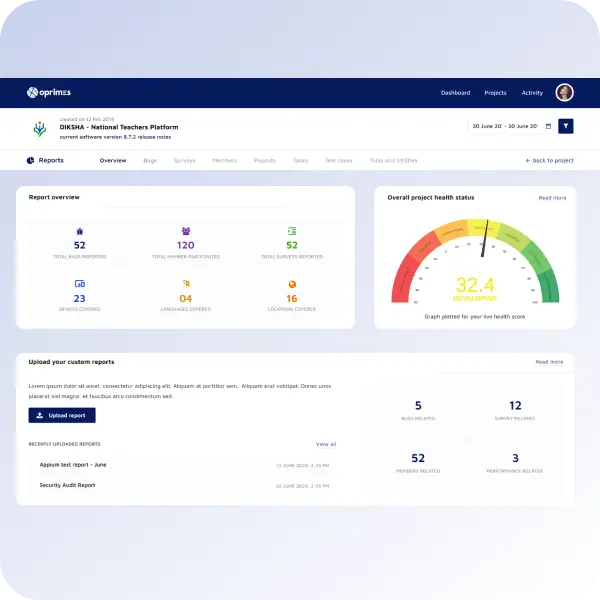
Trusted by foundations, nonprofits and product teams













To us, design is the nucleus that holds a business together. No product succeeds with confusing design. People leave when they can't find what they need, don't trust what they see, or have to think too hard to finish a task.
Whether you're a startup looking for fresh ideas or an established enterprise looking for a better experience, we start by understanding your product, your users and your market. Then we shape the journeys, give them a visual direction that fits your brand, and turn it all into a clickable prototype. You see the product working before it's built, and changing course costs hours, not sprints.
Whether you need fresh ideas for a new product or a better experience for one that's already live.
User, market and competitor research that tells us what to build and why.
The paths people take through your product, mapped and simplified before any screens.
Clean, accessible interfaces for web apps, mobile apps and dashboards.
Clickable prototypes you can put in front of users and stakeholders early.
Reusable components and tokens that keep every new screen consistent.
Chat, assistant and AI-driven experiences that people understand and trust.
Every step builds on the last, so the final design rests on what we learned, not on guesswork.
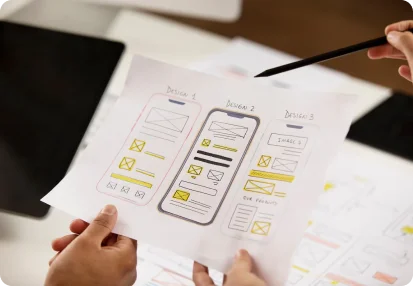
A deep dive into your product idea, goals and constraints. Good solutions start with good understanding.
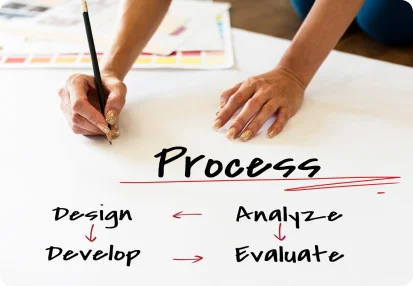
Users, market, domain and competitors: the foundation for a design proposition that stands out.
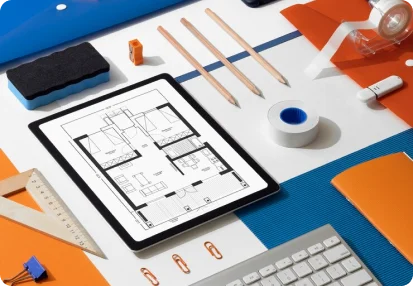
Colours, type, imagery and tone, collected into a visual direction you can react to early.
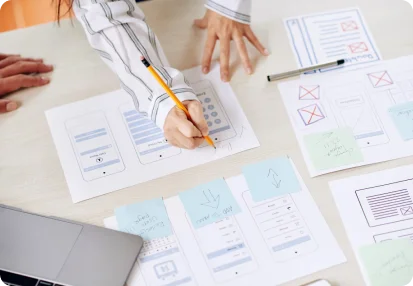
Who the users are and how they move through the product. This is the backbone of the UX.
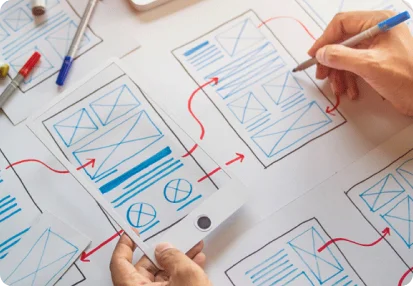
The complete experience as a clickable prototype, so you see the look and feel before development.
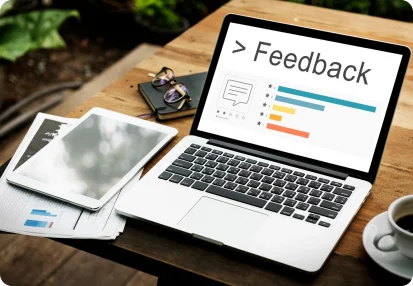
Test, gather feedback and refine. Changing a prototype is quick, so pivoting costs little.
Our designers sit with our engineers, so every design is shaped by how it will be built. You get a clear system, not a folder of pretty screens.
In today's competitive landscape, a well-designed interface is no longer enough. Users want experiences that feel right, not only ones that work.
So we start with your brand and your audience, and design experiences that carry your values and spark positive emotions. The result is a product that's intuitive, delightful and memorable, which keeps users coming back and adds real value to your business.
Every design decision ties back to a goal: sign-ups, retention, fewer support tickets.

Weekly reviews and shared files, so you're never waiting to see progress.
A clear plan for each phase, and we tell you early if anything changes.
Systems and components that grow with your product instead of holding it back.
We go the extra mile, from the first workshop to support long after launch.

Social sector, education, finance, SaaS and consumer apps: we've designed for all of them.
A short guide to how we think about UX, and how we work.
What's inside
Figma is home. Adobe tools help us illustrate, edit and bring designs to life.
 Figma
 Illustrator
 Photoshop
 Premiere Pro
Think201 has developed an amazing web app for my Startup. The team is very dedicated and they come out with the best of their ideas to implement.

Six steps: understanding, research and analysis, moodboards and stylescapes, personas and workflows, prototyping, then feedback and iterations. Each step keeps the work centred on your users.
It depends on the size of the product. A focused product or redesign usually takes 4–8 weeks. Larger platforms are designed in phases, often alongside development.
Yes. We start with a UX audit of the current product and its data, fix the biggest problems first, and roll out improvements without disrupting your users.
Yes. You own everything: Figma files, the design system, prototypes and exported assets.
Yes. We support development with design reviews, design new features as you grow, and keep the design system up to date after launch.
Yes. Browse our case studies, or ask us on a call for designs closest to your product and industry.
Our designers work alongside our engineers, so designs are practical to build and ship as intended. We've been designing products for startups, enterprises and nonprofits since 2012.